Pantheon updates
You can apply upstream Drupal or DKAN updates via the Site Dashboard on Pantheon as follows:
- Navigate to the Code tab in the Site Dashboard on the Dev environment to check available updates:
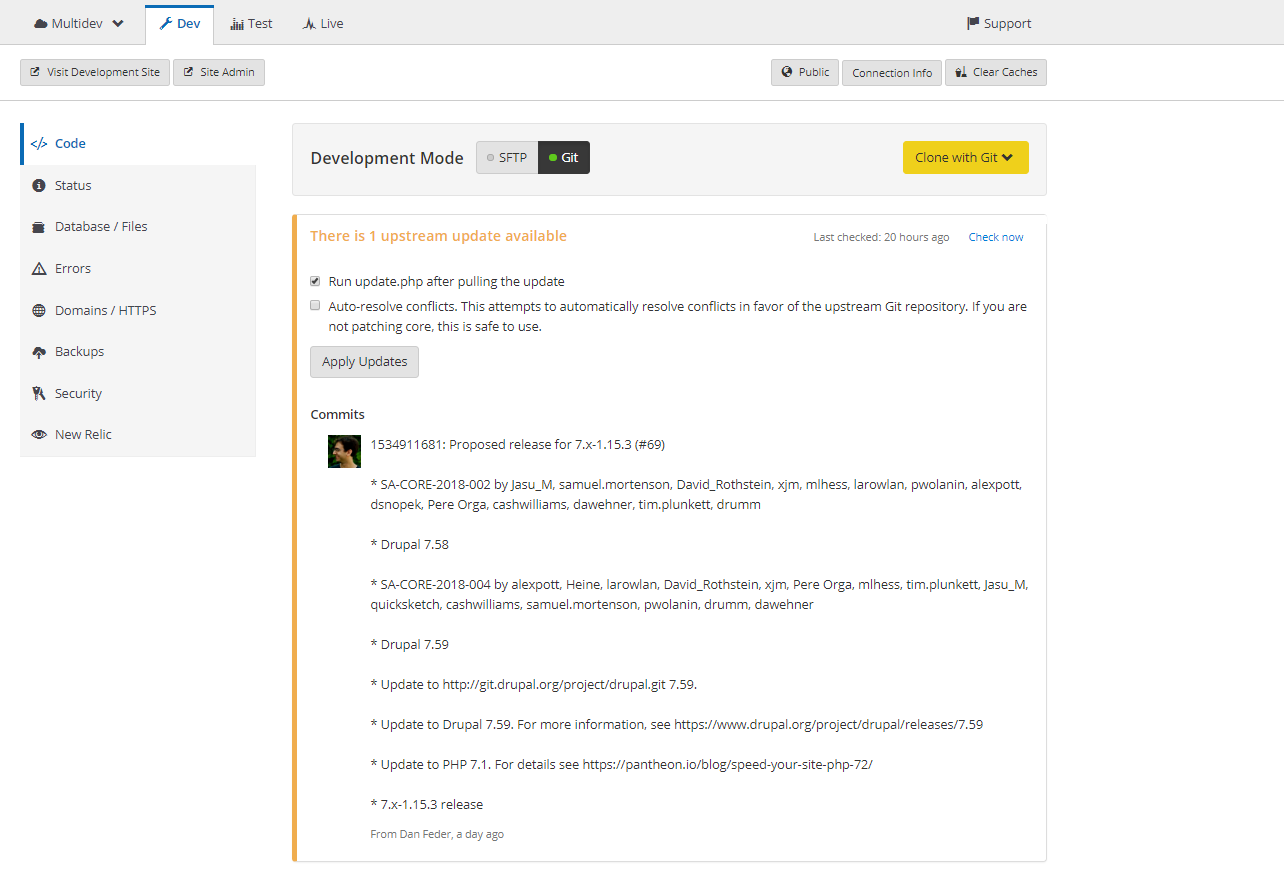
- If you have SFTP changes you want to commit and deploy, do so now. Then set the site’s connection mode to Git.
- Select whether you want to automatically resolve conflicts. Drupal users can opt to run update.php after updates are applied.
- Click Apply Updates.
- Click Visit Development Site in the Development Environment to test and QA the site.
- Follow the standard Pantheon Workflow to deploy changes up to Test and on to Live.